
Video conferencing features
For all participants
Using the features in a video conference
You use many features from the toolbar

The toolbar is the most important tool for controlling the conference. It sits at the bottom edge of the video conference.
If you cannot see the toolbar, move the mouse into the meeting and the toolbar appears.
You open other features from the menu in the tile
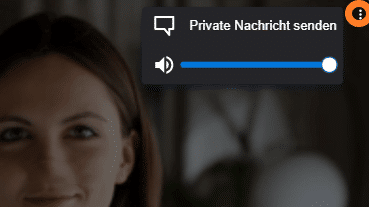
If a feature relates to one participant only, first find that participant's tile. This is easier when the meeting's tile view is switched on.
The three dots are at the top right of the video tile. This is where you open the tile menu.